Convert PDF to Word Without Losing Formatting Online Free
100% Local Privacy
Your files never leave your computer
Local Browser Power
Instant Execution in Browser
Binary Integrity
RAM-Only Processing
How to Convert PDF to Word Without Losing Formatting Online Free — Step by Step
Upload your PDF document to our secure local processing area.
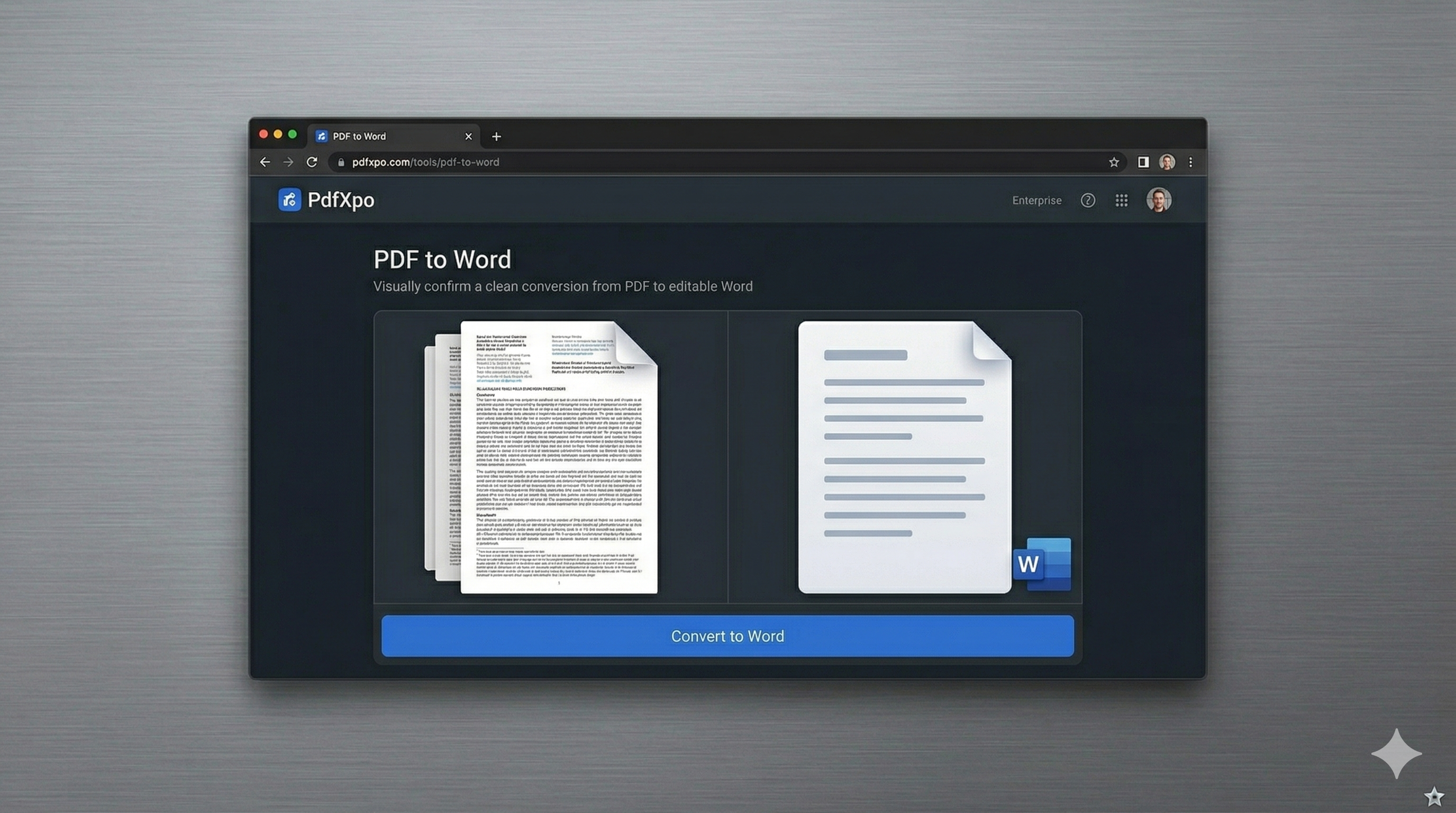
Our neural engine analyzes the layout to identify tables, columns, and fonts.
Click 'Convert' to trigger the browser-side WASM reconstruction.
Download your perfectly formatted Word document instantly.
Edit your document in Microsoft Word with the original design intact.
Highly complex bank statement with nested tables and custom logos. — Result: 100% layout retention with zero shifted elements.
Why Use PdfXpo to Convert PDF to Word Without Losing Formatting?
Common Interrogatories
Expert Knowledge Base Resolved
Can I convert scanned PDFs without losing formatting?
Yes, our engine supports high-quality scanning reconstruction. For best results with image-based PDFs, ensure the scan is clear.
How does it handle complex tables?
PdfXpo reconstructs tables cell-by-cell rather than just placing text boxes. This ensures rows and columns remain perfectly aligned.